
NoQuit
Switched from AZERTY to QWERTY? Muscle memory can make you hit Cmd+Q. One keystroke and your app is gone. NoQuit adds a simple confirmation before quitting.
If you support my work
Buy me a kahwa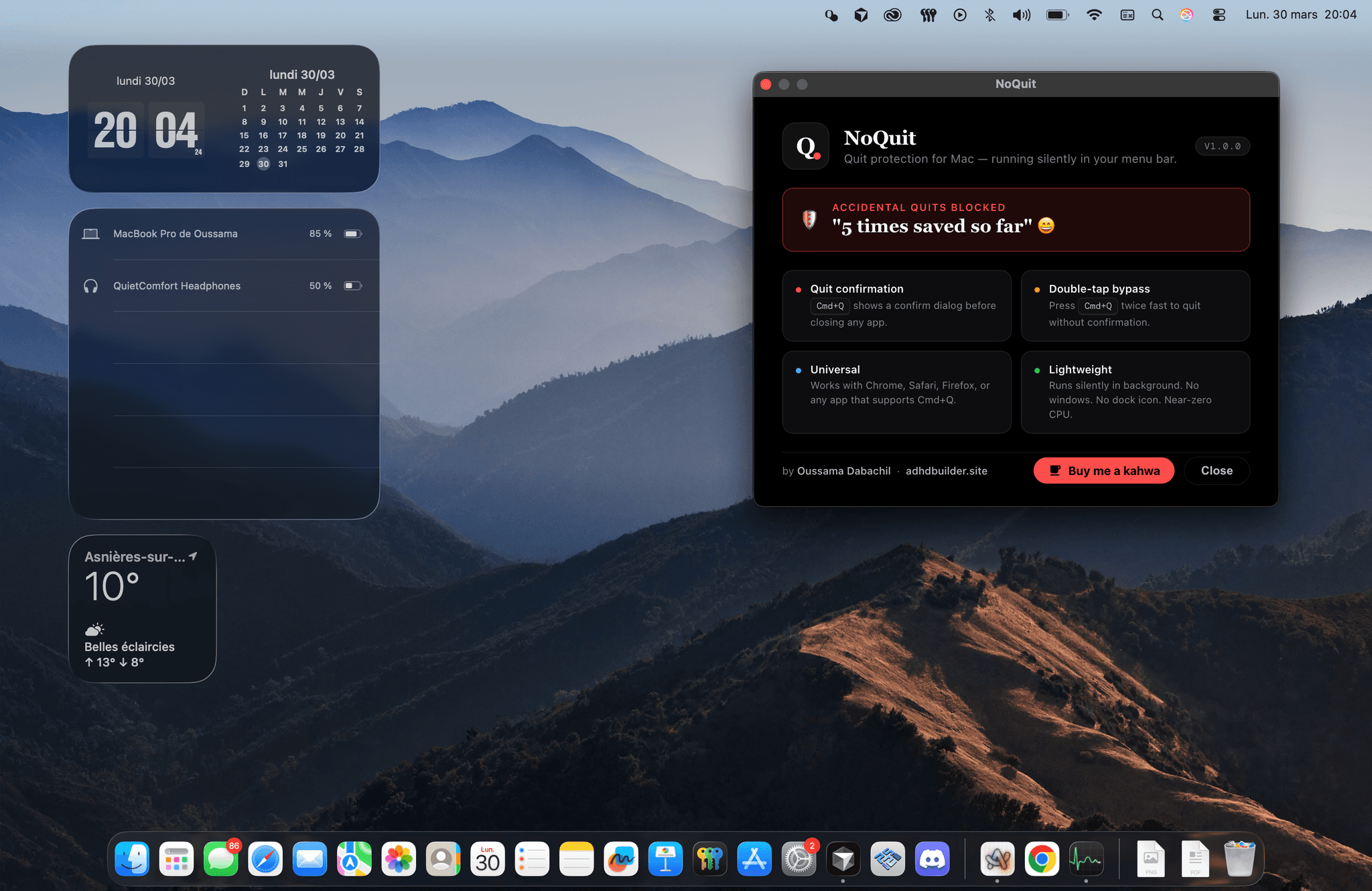
Only quit with your mouse? If you never use keyboard shortcuts to close apps—just the red button or File → Quit—NoQuit probably won't be useful for you. But feel free to download anyway.
Don't try macOS ⌘+Q here—you'll just quit the page.
macOS
The problem
On Mac, Cmd+Q closes applications instantly. Switch from AZERTY to QWERTY—or any layout change—and muscle memory can betray you: one wrong keystroke, your app is gone. Often irreversible.
The solution
NoQuit runs in the background and intercepts these shortcuts. Before quitting, a confirmation dialog appears: "Are you sure you want to quit?" To bypass it, hold Cmd (or Alt) and press Q (or F4) twice—quits immediately.
Main
features
Who is it for?
- —Anyone who switched keyboard layouts (AZERTY → QWERTY, etc.) — muscle memory can trigger the wrong shortcut
- —Power users who rely on keyboard shortcuts and have lost work to an accidental quit
- —People who use external keyboards with different key positions
Compatibility
- macOS: Apple Silicon (M1, M2, M3) — where NoQuit shines most (Cmd+Q is easy to hit by mistake)
- Windows & Linux: not supported yet for now
Enjoying NoQuit? Support the project
Buy me a kahwaInterested? Find this project on my portfolio.
View all projectsv1.0.1 — Changelog
- Added a confirmation popup before quitting the application.
- Added a counter showing how many times the app saved you from accidental quits.
v1.0.0
- Main feature only: an alert shown before quitting the app.